
If you’ve ever stood in front of a sticky office keyboard with a bottle of bleach spray in your hand and thought, “Is this a terrible idea?” — you’re not alone.
Short answer: yes, it probably is a terrible idea.
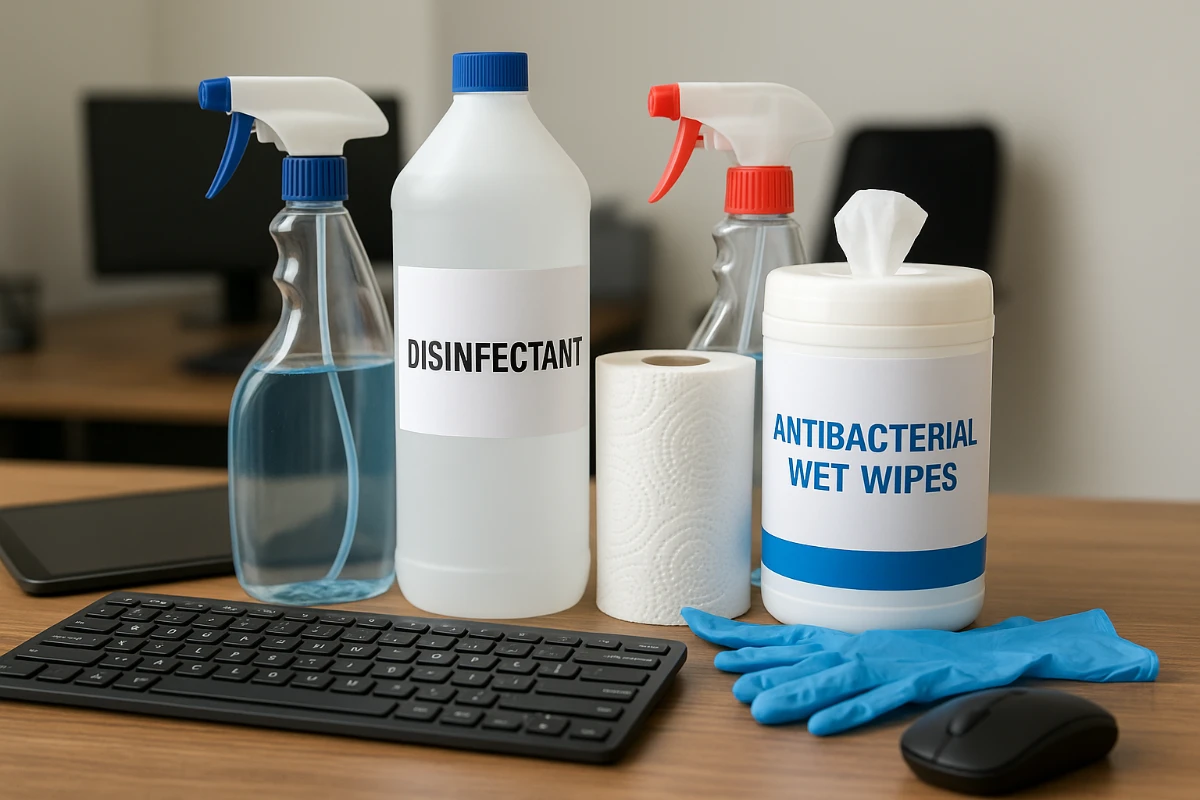
When it comes to electronics and shared equipment, the safest disinfectants are usually alcohol-based wipes or sprays (around 70% isopropyl), used on a cloth, never sprayed directly on the device. You want something that kills germs, doesn’t wreck screens or plastic, and doesn’t leave harsh fumes that bother people’s allergies.
Let’s walk through this in plain language.
Why disinfecting electronics is weirdly tricky
Electronics hate moisture. They also hate strong chemicals. At the same time, every day people touch:
- Shared keyboards and mice
- Touchscreens at reception
- Desk phones and headsets
- Copiers, printers, and breakroom appliances
These are exactly the spots where germs, skin oils, and dust collect.
In Baltimore, where a lot of offices deal with old buildings, HVAC quirks, and seasonal pollen, dust and residue can set off sneezing and itchy eyes fast. That’s why office cleaning for allergies in Baltimore has to be about more than just shining surfaces. The products you use really matter.
What kinds of disinfectants are actually safe for electronics?
Think of it like this: if the product is soaked, harsh, or foamy, it’s probably not your best friend around electronics. If it’s controlled, evaporates quickly, and is used on a cloth, you’re usually in safer territory.
1. Alcohol-based wipes (the usual hero)
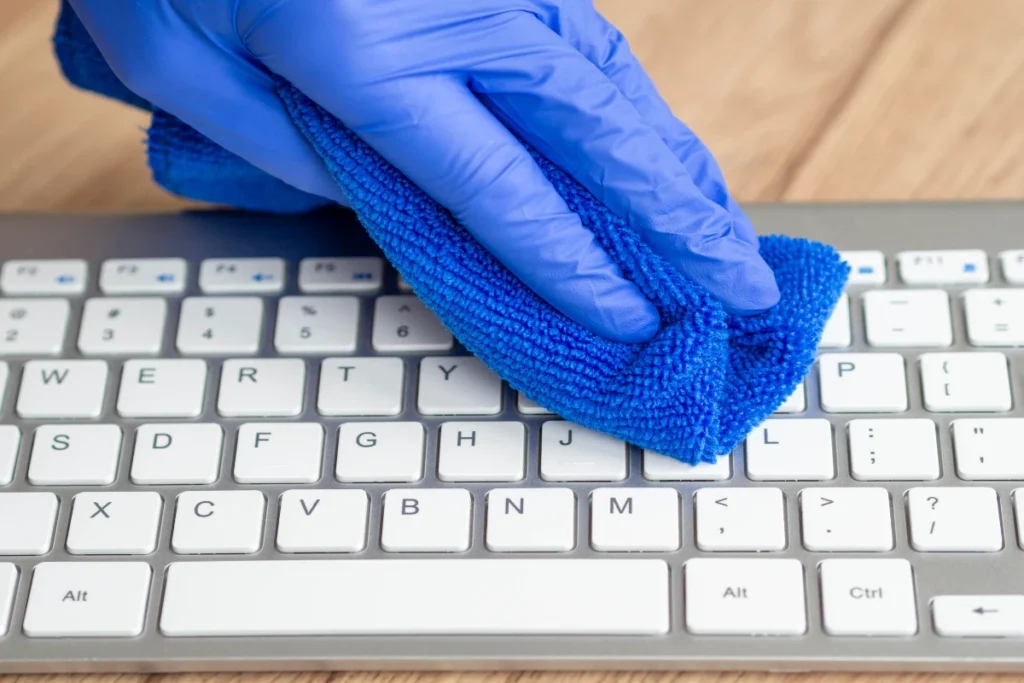
For most office electronics, pre-moistened alcohol wipes or a soft cloth lightly dampened with 70% isopropyl alcohol are the go-to choice.
Why they work well:
- They kill common office germs
- They evaporate quickly (less moisture risk)
- They don’t leave heavy residue
- They’re generally safe on plastics, keys, and most screens (as long as you don’t scrub like you’re sanding wood)
The key is lightly damp, not dripping. Wipe gently, especially on screens.
2. Device-safe disinfectant wipes
Some brands specifically label wipes as safe for “electronics” or “screens.” These are designed for:
- Touchscreens
- Laptops and monitors
- Shared tablets and check-in kiosks
These usually use a form of alcohol or a mild disinfectant that won’t strip coatings or cloud screens. If your office uses a lot of shared devices, it’s worth stocking these instead of generic “household” wipes.
3. Quat-based disinfectants (with caution)
Many commercial disinfectants use quaternary ammonium compounds (quats). They’re common in office cleaning and work well on desks, door handles, and restrooms.
For electronics, they can sometimes be okay if:
- You dilute them per the label
- You apply them to a cloth, not directly onto the device
- You wipe lightly and don’t let liquid seep into cracks
This is where a professional team that understands dust control office cleaning Baltimore comes in handy. They’ll know when quats are fine and when they’ll cause sticky residue, streaks, or possible damage.
What to avoid on office electronics
Here’s where people get into trouble.
Try to stay away from:
- Bleach sprays – too harsh, corrosive, strong fumes
- Straight ammonia cleaners – can damage screens and plastics
- Abrasive powders or scrub pads – scratch city
- Heavy, soapy disinfectant sprays – leave residue and risk liquid getting into ports
Also, never spray any liquid directly onto:
- Keyboards
- Laptops
- Printers/copiers
- Phones and headsets
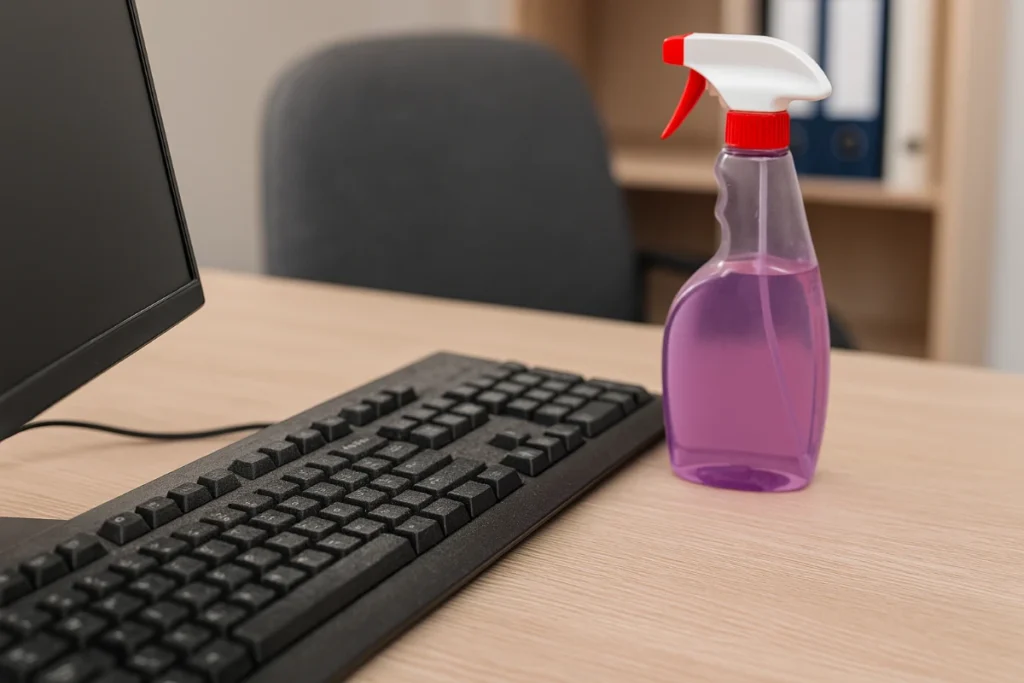
Spray onto a cloth first, then wipe. It’s such a small change, but it’s the difference between “clean device” and “who killed the keyboard?”
Step-by-step: how to disinfect shared equipment safely
Here’s a simple routine you can share with staff or build into your cleaning checklist:
- Turn off and unplug the device if possible.
- Dry wipe first – use a microfiber cloth to lift dust and crumbs. (This alone helps with allergies.)
- Use an alcohol wipe or cloth lightly dampened with 70% alcohol.
- Wipe keys, mouse buttons, and high-touch areas.
- For screens, go gently in one direction.
- Avoid gaps and ports. Don’t push liquid into seams or openings.
- Let it air dry completely before turning back on. Alcohol usually dries in under a minute.
- Wash or sanitize hands after cleaning. No point cleaning devices if hands stay dirty.
If you’re looking at the pile of shared electronics in your office and thinking, “No way we’re doing this right every time,” that’s a good sign it should live in your regular cleaning plan, not just “when someone remembers.”
How this ties into allergy friendly office cleaning in Baltimore
When people talk about allergies at work, they usually blame pollen or “something in the air.” But it’s often a mix of:
- Fine dust sitting on and around electronics
- Residue from strong cleaners
- Fragrances or harsh chemicals on shared surfaces
A more thoughtful routine for electronics is a big part of allergy friendly office cleaning Baltimore offices actually feel day to day. You’re not just killing germs; you’re also:
- Reducing dust buildup around keyboards, cables, and monitors
- Avoiding harsh chemical scents that bother sensitive staff
- Keeping surfaces clean enough that people with asthma or allergies can work without constant irritation
Good cleaning for allergies is mostly about consistency and product choices, not fancy tricks.
When it makes sense to call in a professional team
If your office is small and everyone’s careful, you can probably handle basic device-safe disinfecting on your own.
But it might be worth bringing in a professional crew if:
- You’ve had complaints about headaches, itchy eyes, or “the office making me sick”
- You’re in an older Baltimore building with a lot of dust and hidden nooks
- You’ve got lots of shared equipment — call centers, coworking spaces, medical or legal offices
A team that understands office cleaning for allergies in Baltimore will:
- Use the right disinfectants for electronics and shared gear
- Focus on dust control around cables, under desks, and behind equipment
- Choose low-odor, low-residue products that don’t flare up allergies
And honestly, it’s one less thing to argue about in the office: no more mystery sprays on keyboards or sticky phone handsets.
If you’re in Baltimore and want your office to feel cleaner without wrecking your devices or making allergies worse, start with your disinfectants. Get the right products, use them the right way, and let a well-trained team handle the heavy lifting on a regular schedule.
Looking for Office Cleaning Help in Baltimore?
If you’re searching around Baltimore for a dependable team who actually knows how to handle office electronics without ruining anything, LSI3 Properties does this sort of work every week. Our cleaners deal with dust issues in older buildings, shared desks, and all the everyday things most offices don’t really have time to keep up with. We serve Baltimore and nearby areas, and we’re always happy to talk through what your space needs, even if you’re not sure where to start. Give us a call and we’ll take a look at your office together.
FAQs | Allergy Friendly Office Cleaning
Most office electronics do best with 70% isopropyl alcohol wipes used gently on surfaces.
Bleach isn’t recommended because it can be harsh and damaging.
Most screens handle disinfecting wipes fine as long as you avoid soaking and heavy scrubbing.
Professionals in Baltimore use microfiber cloths and controlled liquids instead of spraying.